

How it works
From the first page to a plan a person can answer.
Seven stops, on one road, the same kind of line as the days on a route. Open a stop for the screen, and for what that choice does. The car and the bike ride the line as you scroll.

-
1
1. You open the site
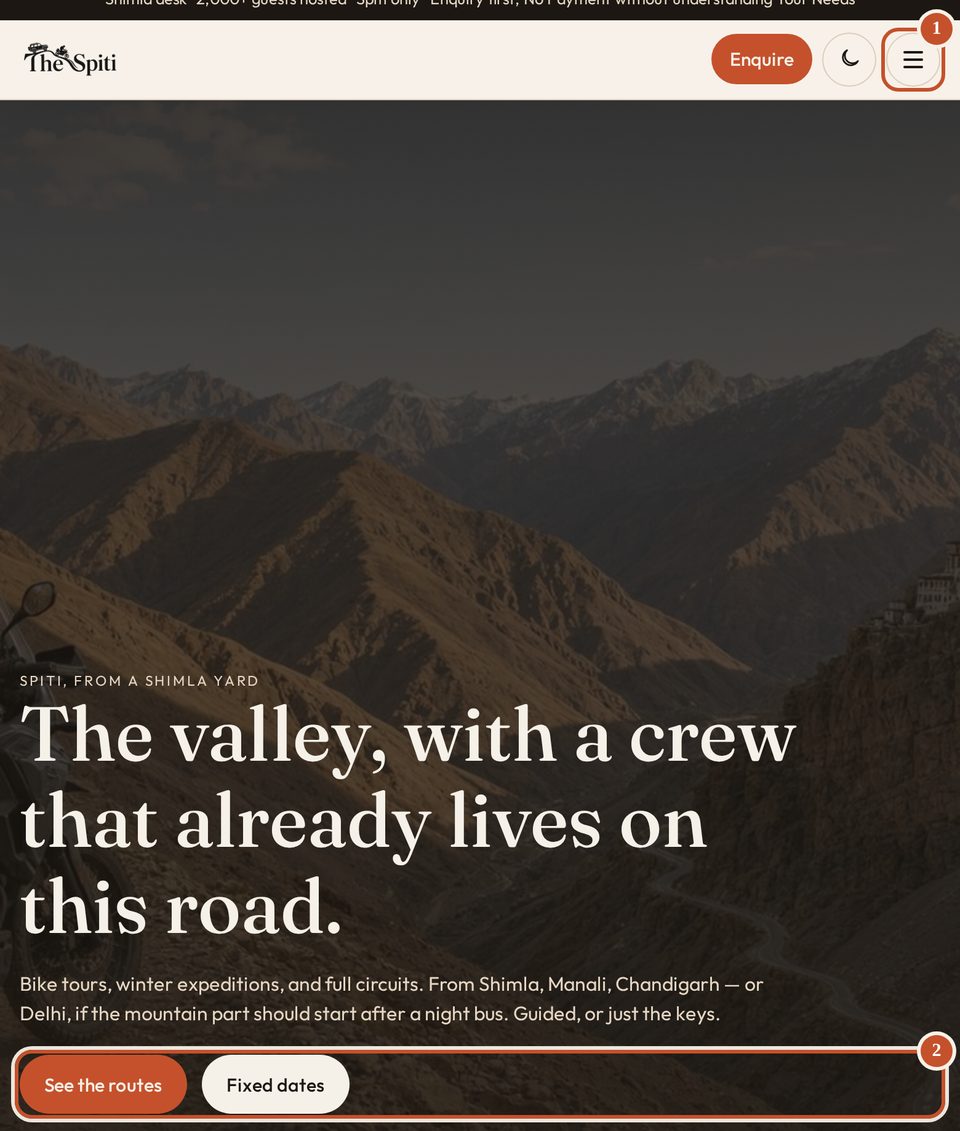
The first screen
- 1
The menu. Tours, places, departures, the yard, the journal, and The Spiti.
- 2
See the routes opens every tour. Fixed dates opens the published mornings.
The menu
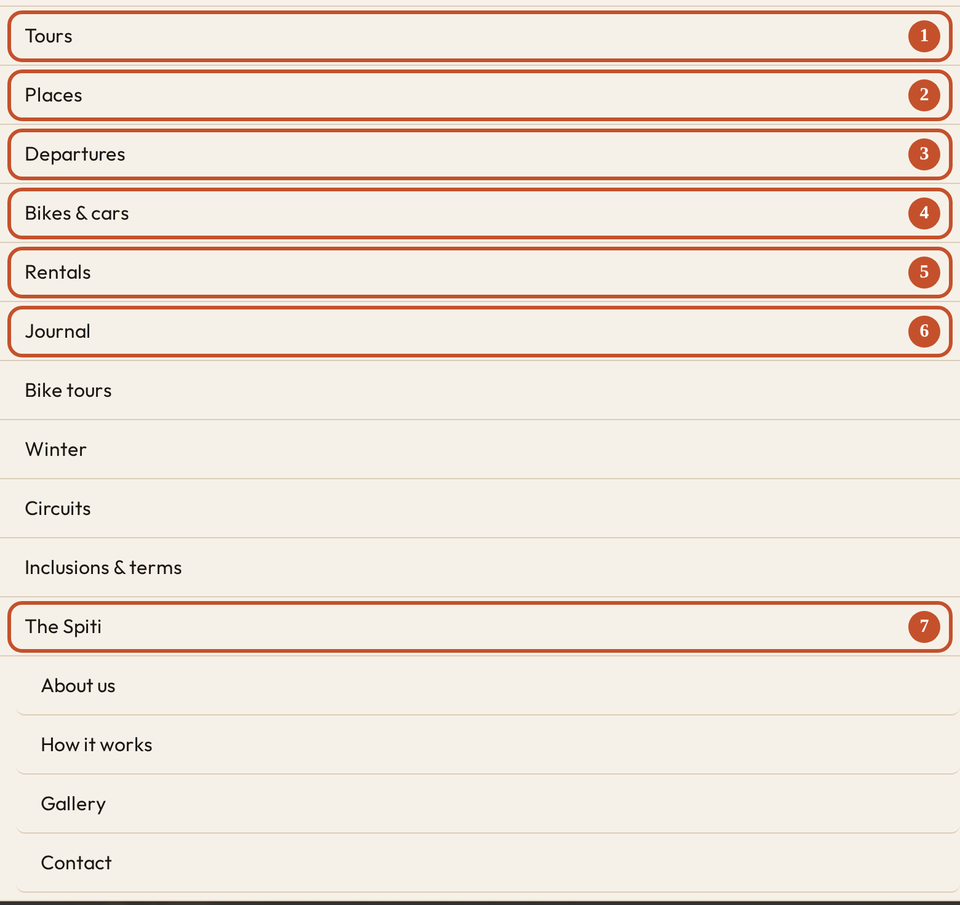
- 1
Tours. Every route.
- 2
Places. A town on the road.
- 3
Departures. The fixed mornings.
- 4
Bikes and cars. The yard.
- 5
Rentals. The same machines, written as a rental.
- 6
Journal. Notes from the desk.
- 7
The Spiti. About, this page, the gallery, and contact.
thespiti.com is the Shimla desk. The first screen is a photograph and a short line. The button with three lines opens the menu. The round button beside it switches light and dark.
Nothing is chosen for you yet. The homepage can show season cards, where you are leaving from, the tour list, and the rentals. A count of 0 on the desk means that block shows everything.
- 1
-
2
2. Start with a route, or with a machine
Where a route leaves from

- 1
Where you leave. Shimla, Manali, Chandigarh, or Delhi.
- 2
Shimla is on, so the list is only those routes. A town that is not a start, such as Kaza, shows every route.
A machine
- 1
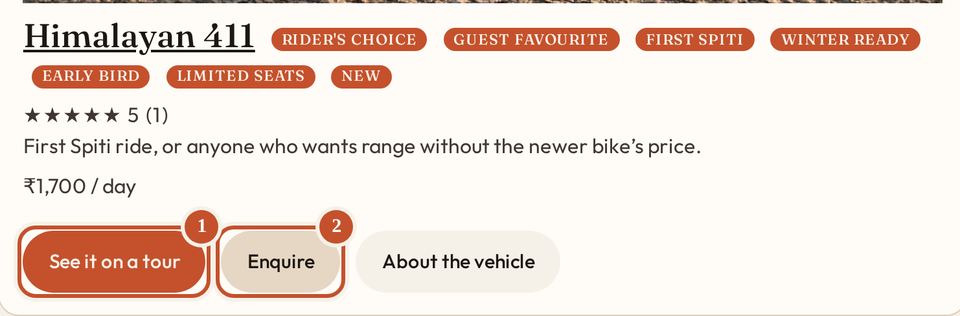
See it on a tour. The tour list, with this machine already named. You still open the route.
- 2
Enquire. No route is chosen.
Tours is every route. A flag narrows the list to routes that carry it. Open the machine itself to read who it suits, the day rate, and the scores.
- 1
-
3
3. Open a route and set the plan
The photographs
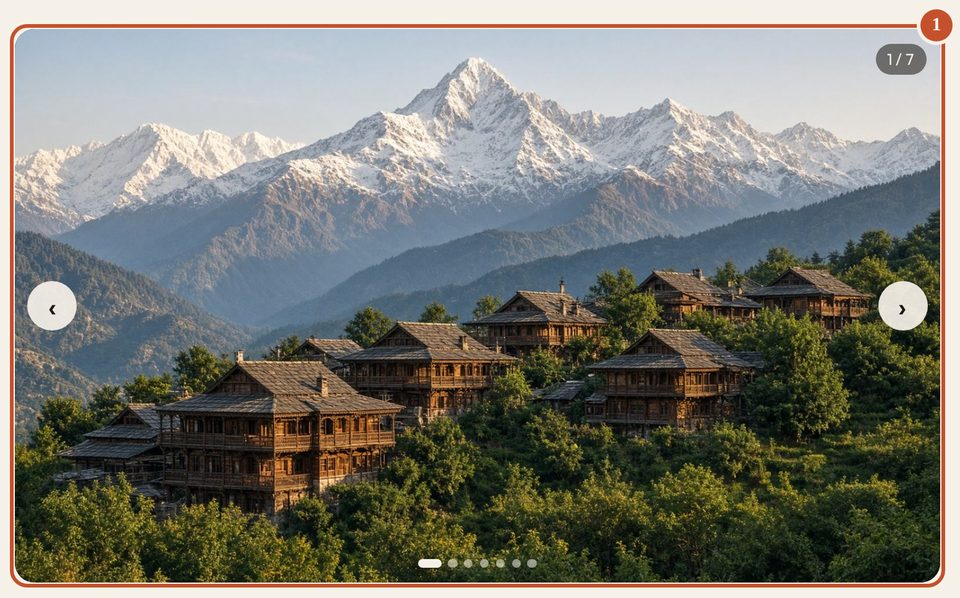
- 1
The photographs. Swipe, or let them move.
A day
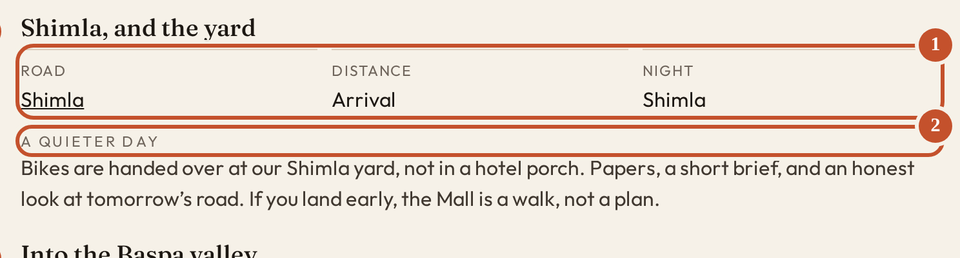
- 1
The road, the distance, and the night.
- 2
A quieter day. This one is not a ride.
The plan
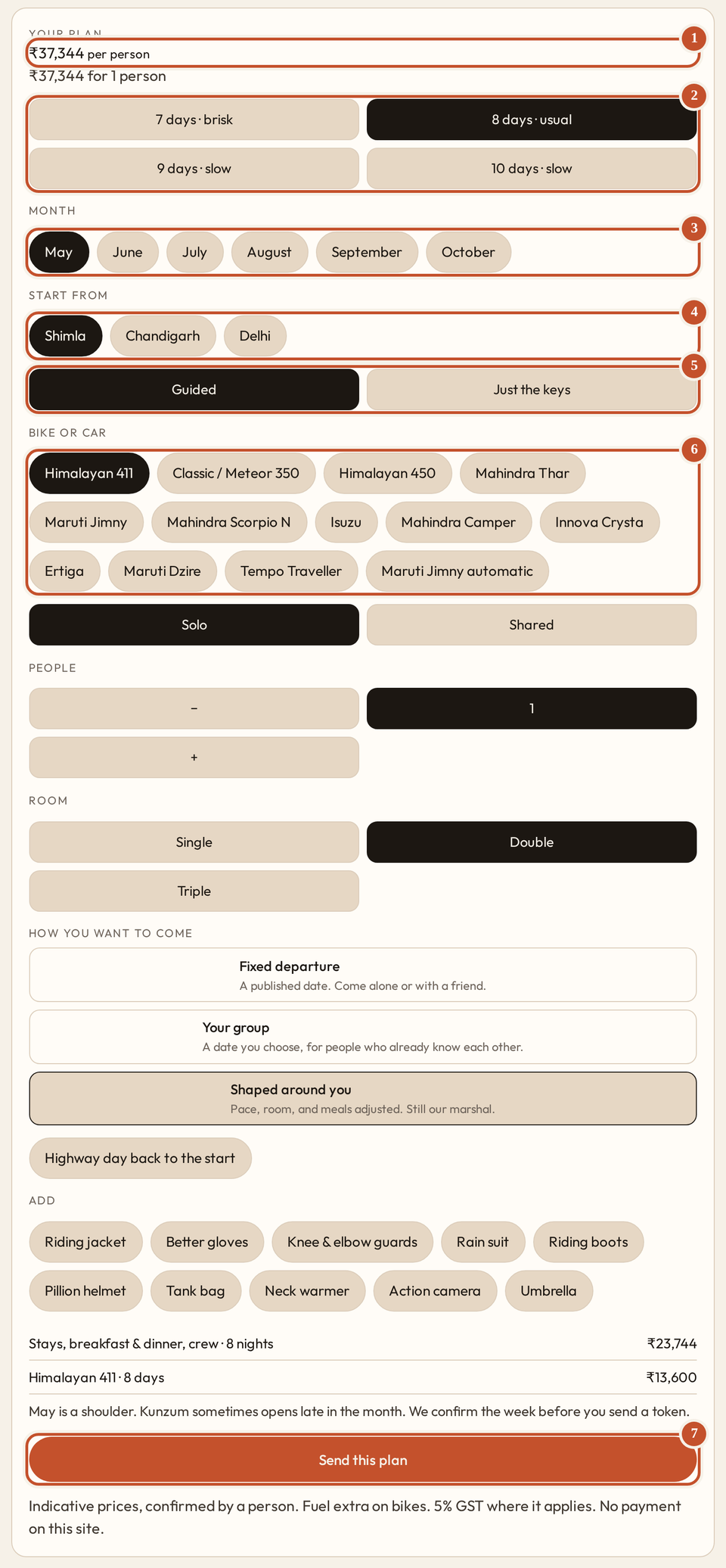
- 1
The figure for this plan. A person confirms it. This page does not take a card.
- 2
The length. The days follow it.
- 3
The month.
- 4
Where you join.
- 5
Guided is a crew. Just the keys is the machine. On a car, the same choice says just the car.
- 6
The bike or the car. The figure moves with this.
- 7
Send this plan. It carries the choices above.
Under the photographs, the plan in short: how many days, where you sleep, the long day, and who it suits. On the side, or under the days on a phone, you set the length, the month, the start, guided or just the keys, the bike or the car, how many people, and the room.
- 1
-
4
4. The included list follows what you picked
Guided, on a bike
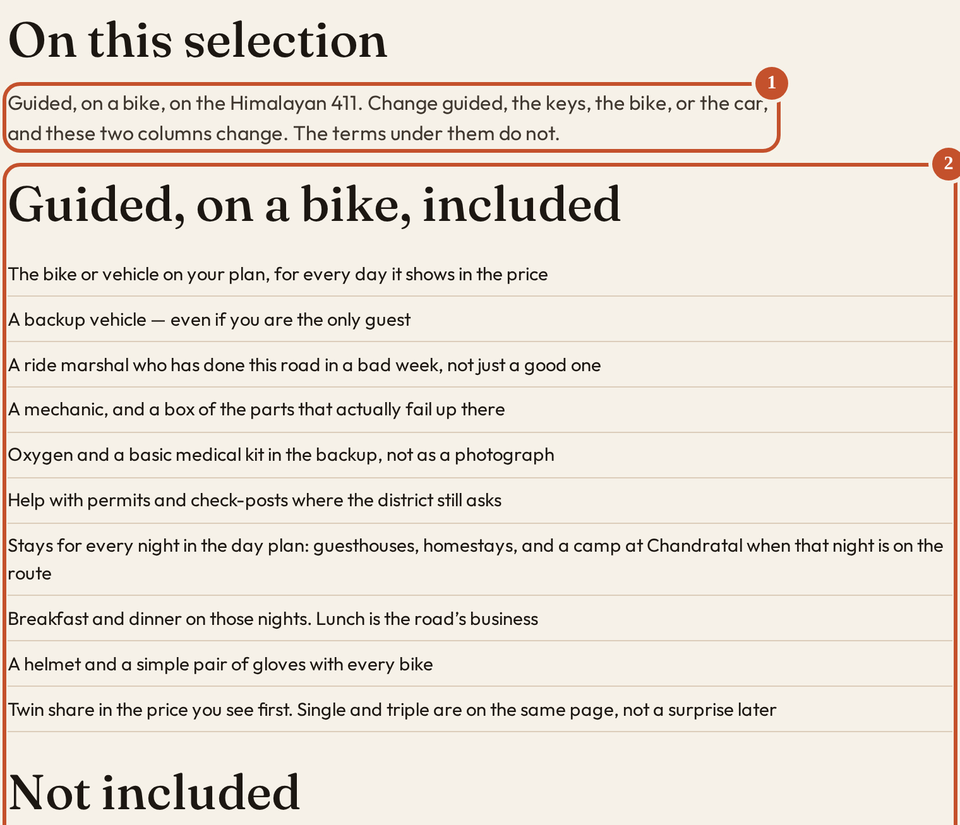
- 1
This line names the selection you have open.
- 2
These columns belong to that selection.
The same route, switched
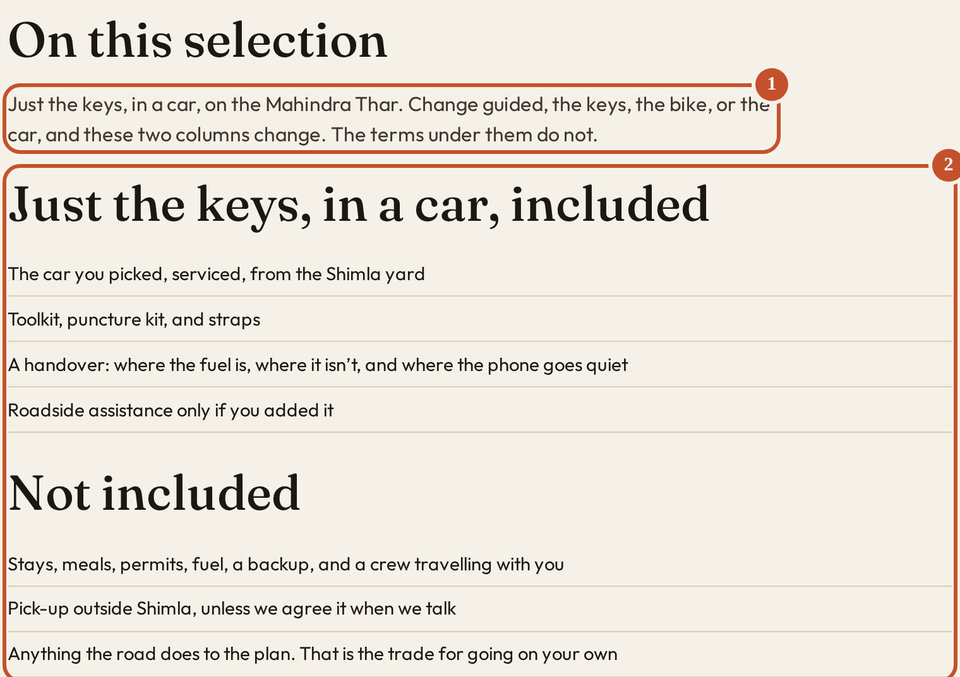
- 1
Just the keys, on the Thar. The line has changed.
- 2
The columns have changed with it. The terms under them do not.
Questions
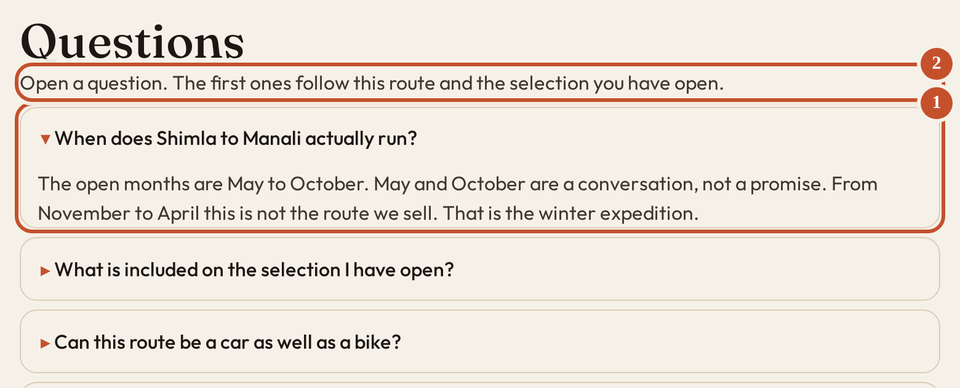
- 2
The line under Questions. The first ones follow this route and the selection you have open.
- 1
Tap a question. The answer opens, the same way these steps do.
A place named in a day links to that place and keeps the machine you picked. Confirmation, cancellation, and refund sit at the bottom of the route, and again on the terms page.
- 1
-
5
5. Dates, places, the journal, the gallery
A fixed morning
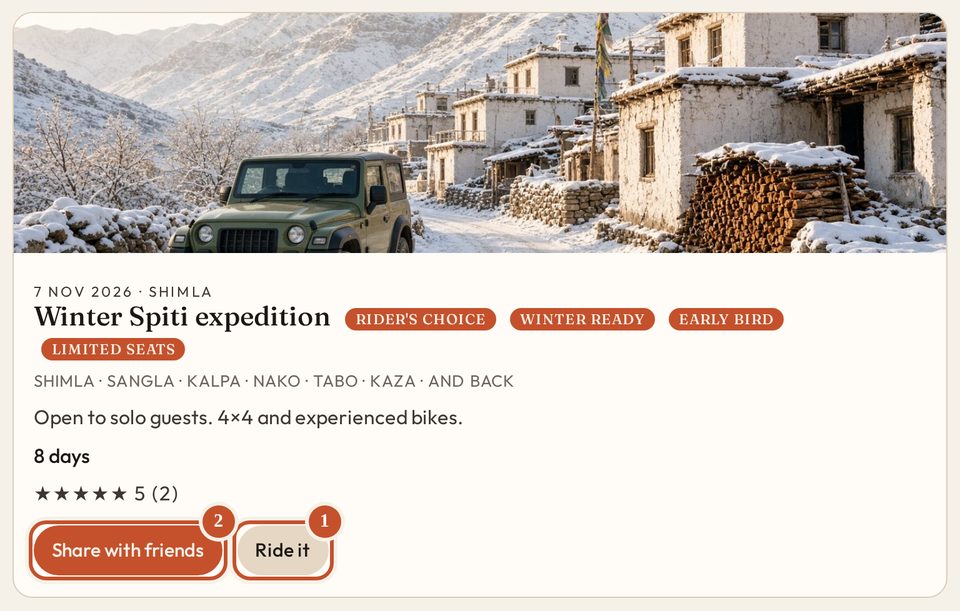
- 1
Ride it opens that route, so you can read the days. Not a booking.
- 2
Share with friends sends the link. Not a seat.
A place
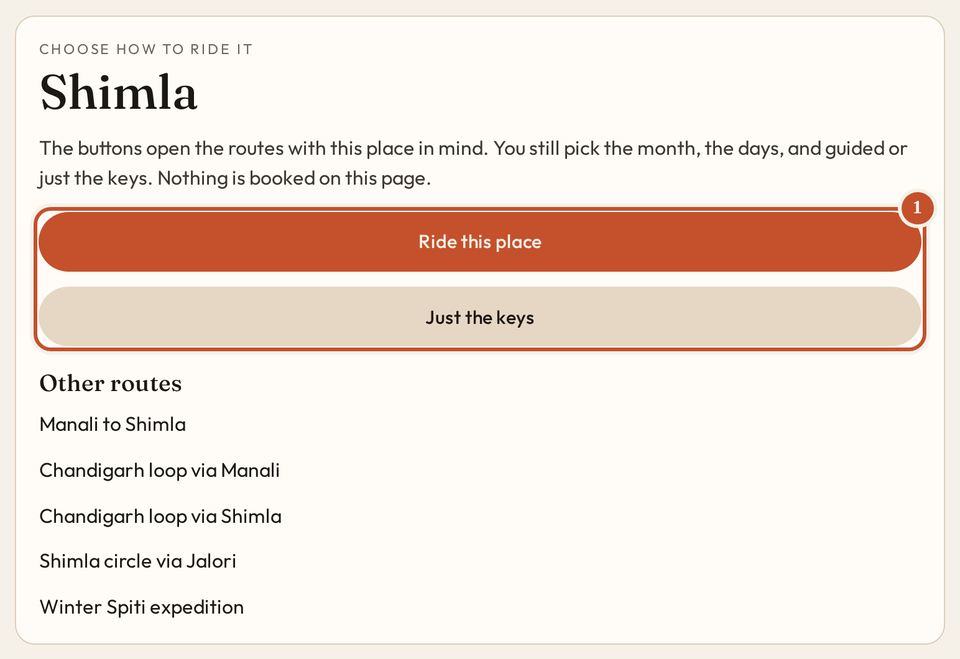
- 1
Ride this place opens the routes with this town in mind. Shimla is a start, so the list is filtered. Just the keys is the other way. Nothing is booked here. A place that is not a start shows every route.
The journal
- 1
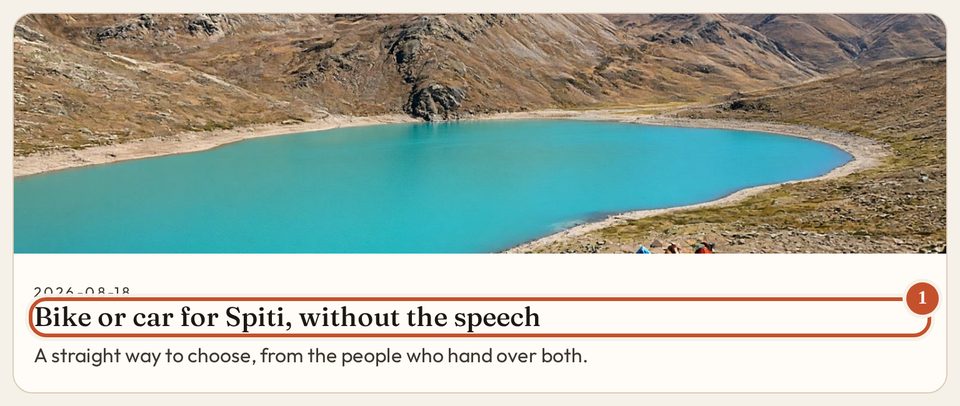
A note from the desk. A comment waits until it is approved.
The gallery is photographs and short films. About is the yard. Press is for a writer. Contact is a note when you do not have a route yet.
- 1
-
6
6. Send the plan you actually opened
- 1
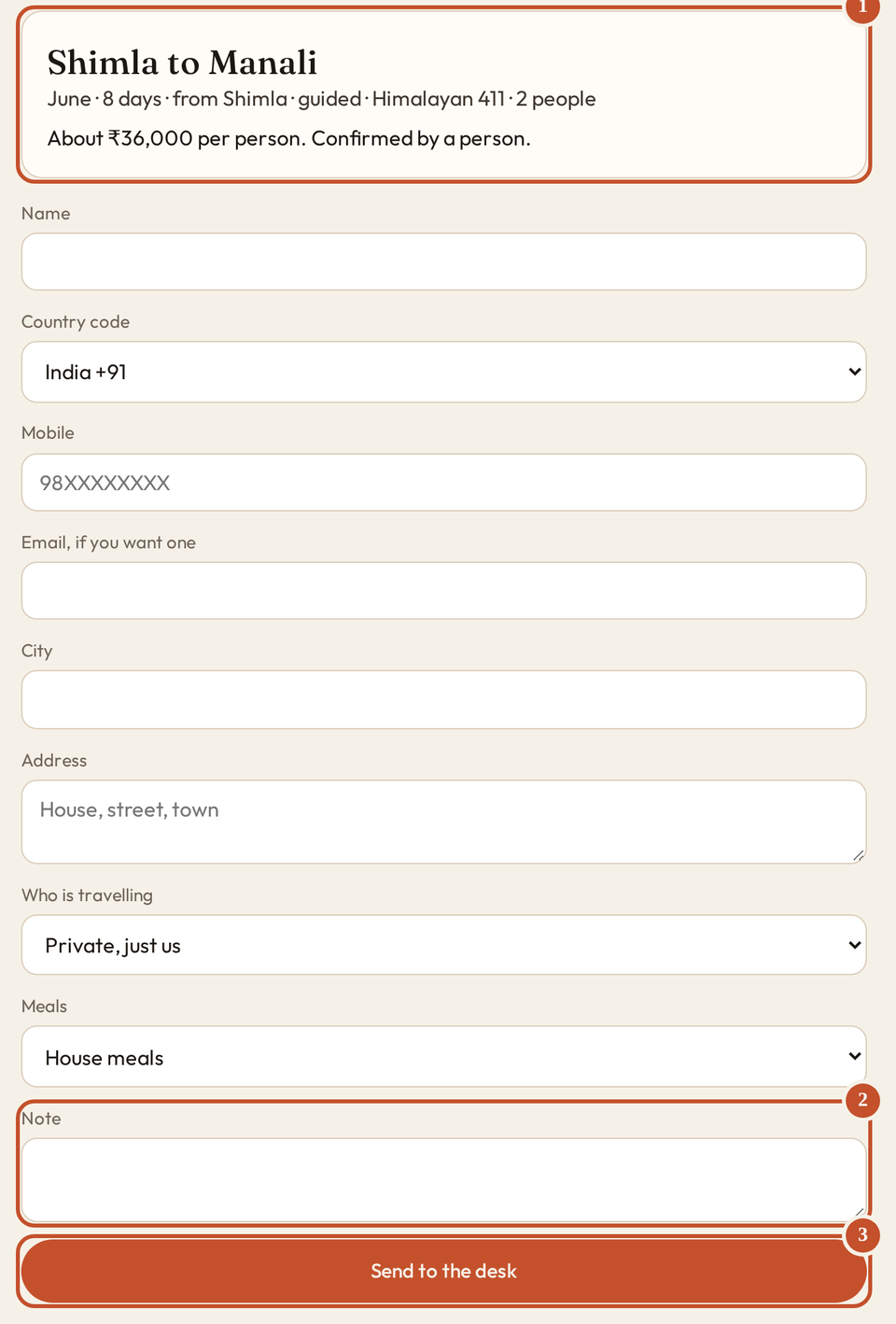
The plan you actually opened. Days, month, start, guided or the keys, and the machine.
- 2
The note. A link, a file, or a piece of code is refused in this box, as you type.
- 3
Send to the desk. Nothing is paid on this page.
The button is on that route. The form asks for a name and a mobile. Email, city, address, and a note are there if you want them. An enquiry is not a booking. A person answers. Usually the same day.
- 1
-
7
7. A person reads it. Then you hear back
Confirmation
- 1
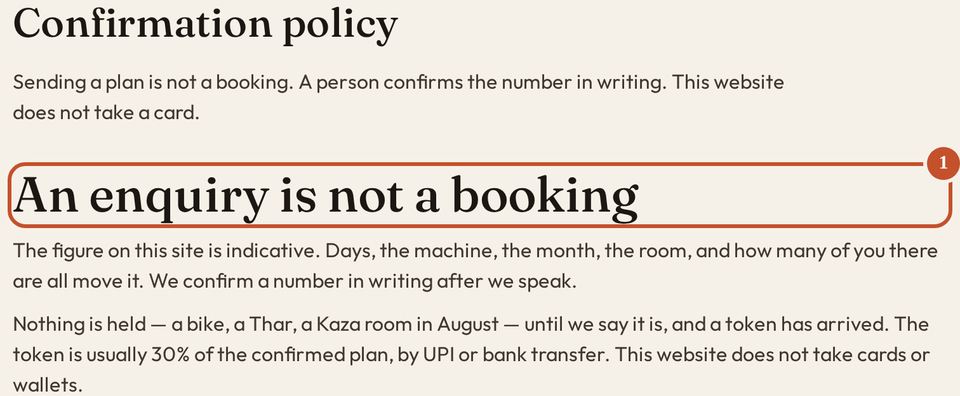
An enquiry is not a booking. Nothing is held until a person confirms a number. The token is usually 30% of that figure, by UPI or bank transfer. This website does not take a card. Approval is the yes. It is not a charge.
If you have to cancel
- 1
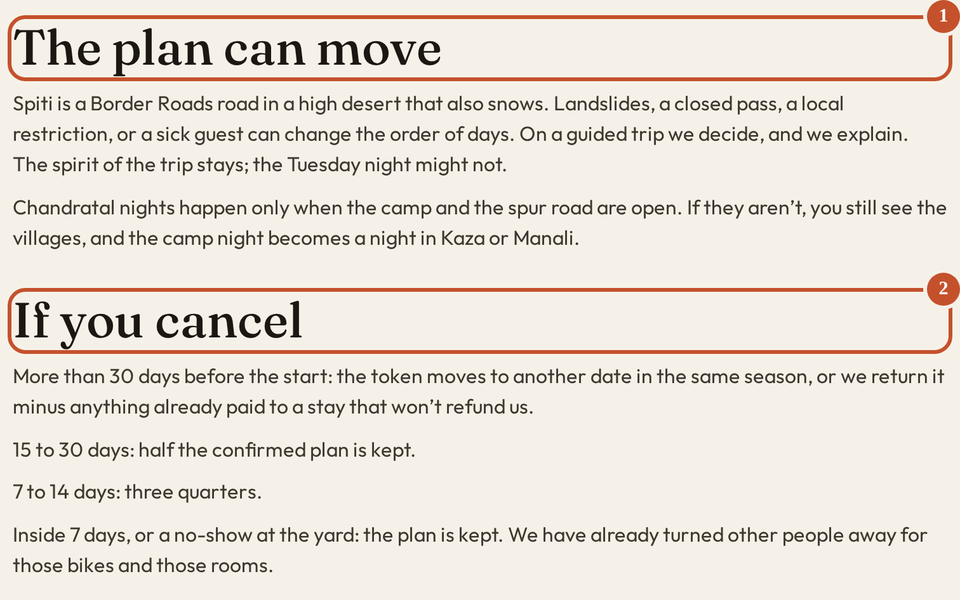
The plan can move. The road decides, and the desk says so.
- 2
If you cancel. More than 30 days, 15 to 30, 7 to 14, and inside 7 days. The slabs already written on that page.
If email is on, you can get a letter that the note arrived. Later, that the dates are being checked, that the plan is approved, or that it cannot be taken as it stands.
- 1
-
Ready to ride
Choose your tour.
Pick the route. Set the month and the machine. Send it when it looks like your week.